AAD sync runs every 30 minutes, we are several situations where you cant wait 30 minutes for a change to sync across, you still want to force a sync. To do so, on the server which has AAD Connect installed and type the following to import the AAD Connect PowerShell module:
Import-Module ADSync
You check the current settings of the sync scheduler
Get-ADSyncScheduler

To force a delta sync, you the following PowerShell command:
Start-ADSyncSyncCycle -PolicyType Delta
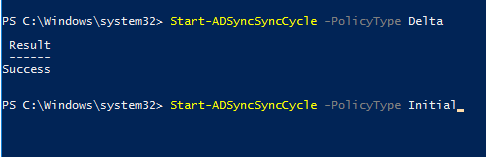
If you want to force an initial (full) sync, use this command:
Start-ADSyncSyncCycle -PolicyType Initial
 Exchange KB